How Can I Book an Online Doctor Consultation in Pakistan?
Learn how to book online doctor consultations quickly and safely in Pakistan.
Introduction
For many in Pakistan, visiting a doctor traditionally means navigating chaotic traffic, struggling to find parking, and sitting in crowded waiting rooms for hours. whether you are in a bustling city like Karachi or a remote village in Punjab, finding the right specialist can be a daunting task. Fortunately, technology has transformed healthcare accessibility.
Online doctor consultations offer a convenient solution, bringing professional medical advice directly to your smartphone or laptop. This growing trend of telemedicine in Pakistan is bridging the gap between patients and doctors, ensuring that quality healthcare is just a few clicks away.
What is an Online Doctor Consultation?
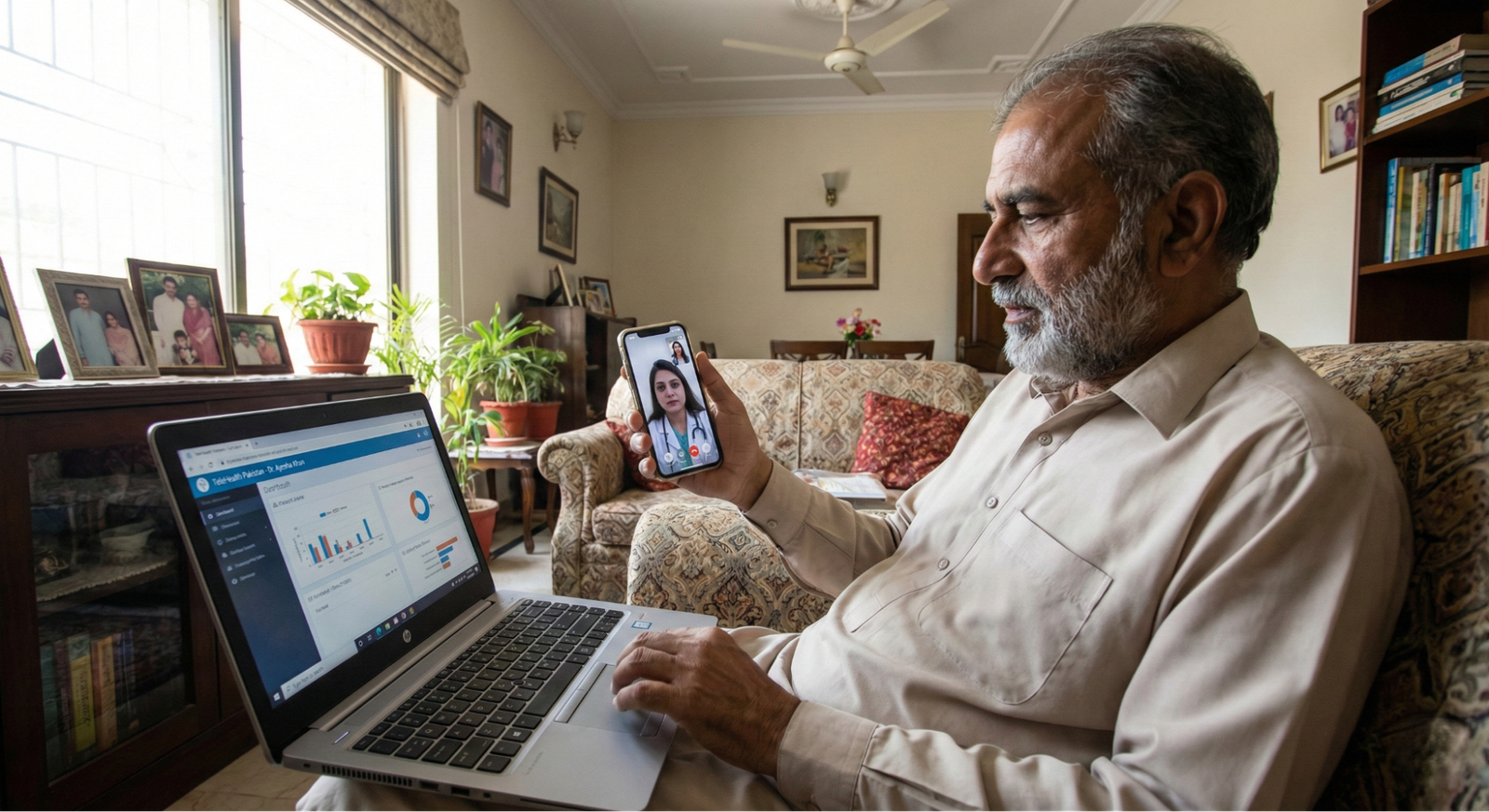
An online doctor consultation is a medical service that allows patients to connect with licensed practitioners via video call, audio call, or chat. Instead of physically visiting a clinic or hospital, you interact with your doctor through a secure digital platform.
This differs from traditional appointments significantly. It offers instant scheduling, the ability to consult specialists from different cities without traveling, and automatic digital record keeping. During outbreaks of contagious diseases or for patients with mobility issues, these consultations provide a crucial layer of safety and convenience.

Step-by-Step Guide to Booking an Online Doctor Consultation in Pakistan
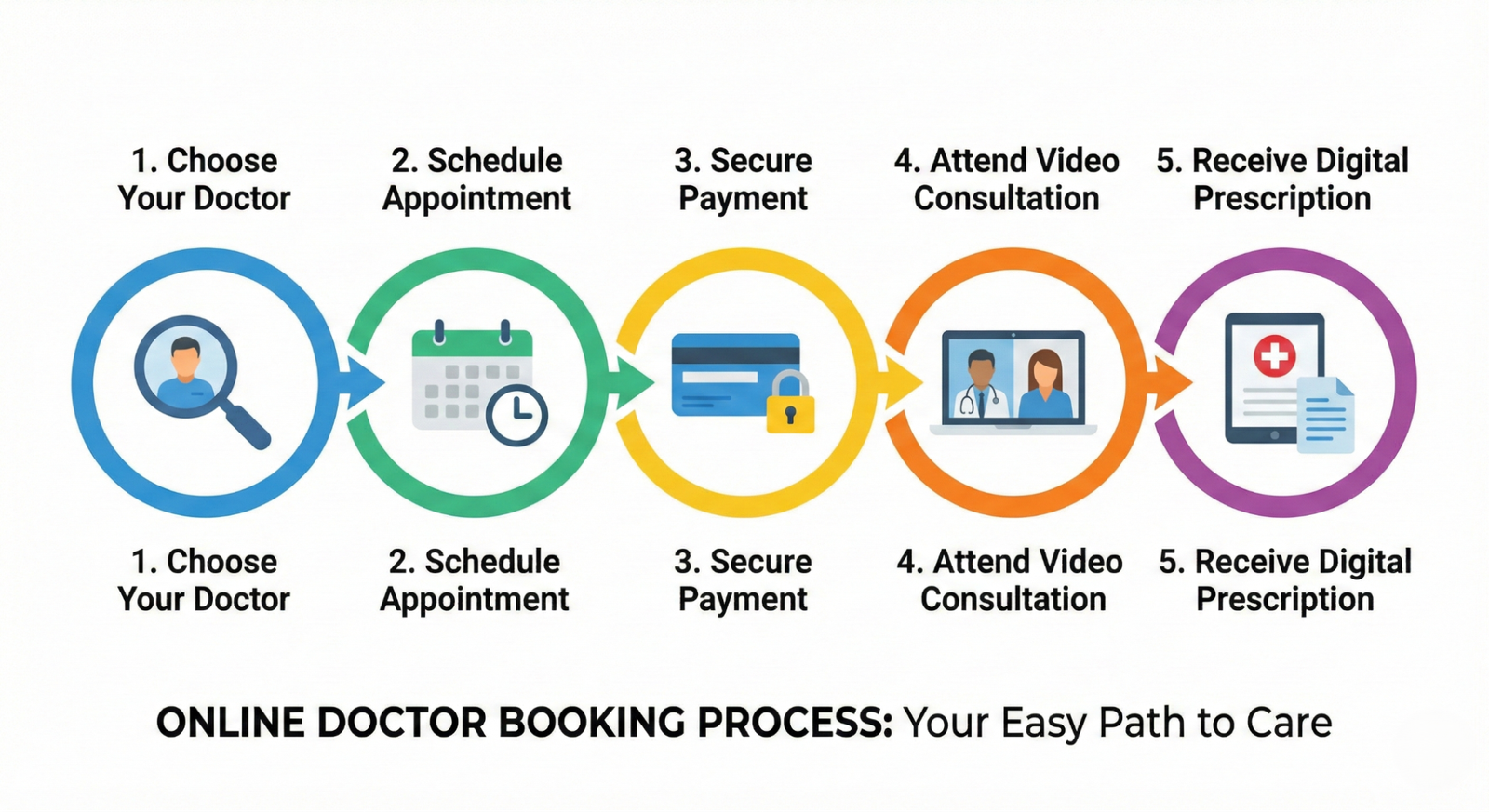
Booking an online medical appointment is a straightforward process. Follow these steps to connect with a doctor:
- Choose a Reliable Platform
Start by selecting a trusted telemedicine service. eHealthPK is a prominent option, alongside other verified portals like Oladoc or Sehat Kahani. Download their app or visit their website. - Create an Account
Register securely using your mobile number or email address. You may need to provide basic details like your name, age, and city to create your patient profile. - Select Your Specialty
Browse through categories to find the doctor you need. Common options include General Physician, Dermatologist, Gynecologist, Pediatrician, and Cardiologist. - Check Doctor Availability
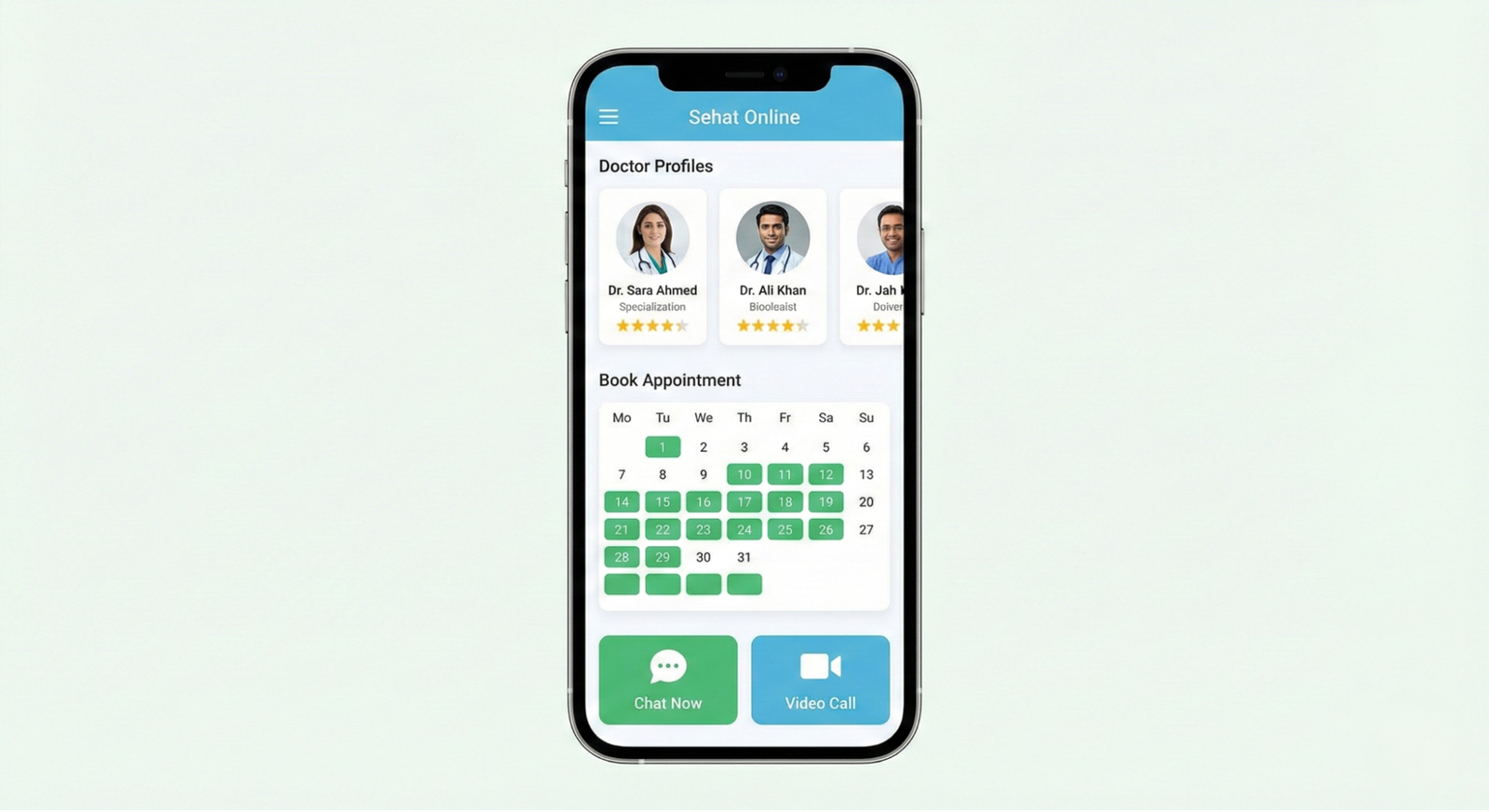
Review doctor profiles to see their qualifications, fees, and available slots. Look for icons indicating the mode of consultation (Video/Audio). - Book Your Appointment
Select a time slot that suits you. Most platforms require booking doctor online with a prepayment method (Credit/Debit card, JazzCash, Easypaisa, or bank transfer). - Prepare for the Consultation
Before the call, gather any previous medical reports or prescriptions. Ensure you have a stable internet connection and good lighting. - Attend the Consultation
Log in to the app or click the link sent to your email/SMS at the scheduled time. Discuss your symptoms clearly with the doctor. - Receive Digital Prescription
After the session, the doctor will provide a digital prescription, often accessible directly within the app or sent via email. You may also receive referrals for lab tests if necessary.
Tips for a Smooth Online Consultation
To get the most out of your digital health in Pakistan experience, keep these tips in mind:
- Stable Internet: Ensure your Wi-Fi or mobile data (4G/5G) is reliable to prevent call drops.
- Privacy: Choose a quiet room where you can discuss sensitive health issues without interruption.
- Documents Ready: Upload photos of past reports or have them ready to show on camera.
- Verify Credentials: Always use reputable platforms that screen their doctors to ensure they are PMDC licensed.
- Follow Up Digitally: Use the app’s features to set reminders for medication or follow-up appointments.

Advantages of Booking Online Consultations in Pakistan
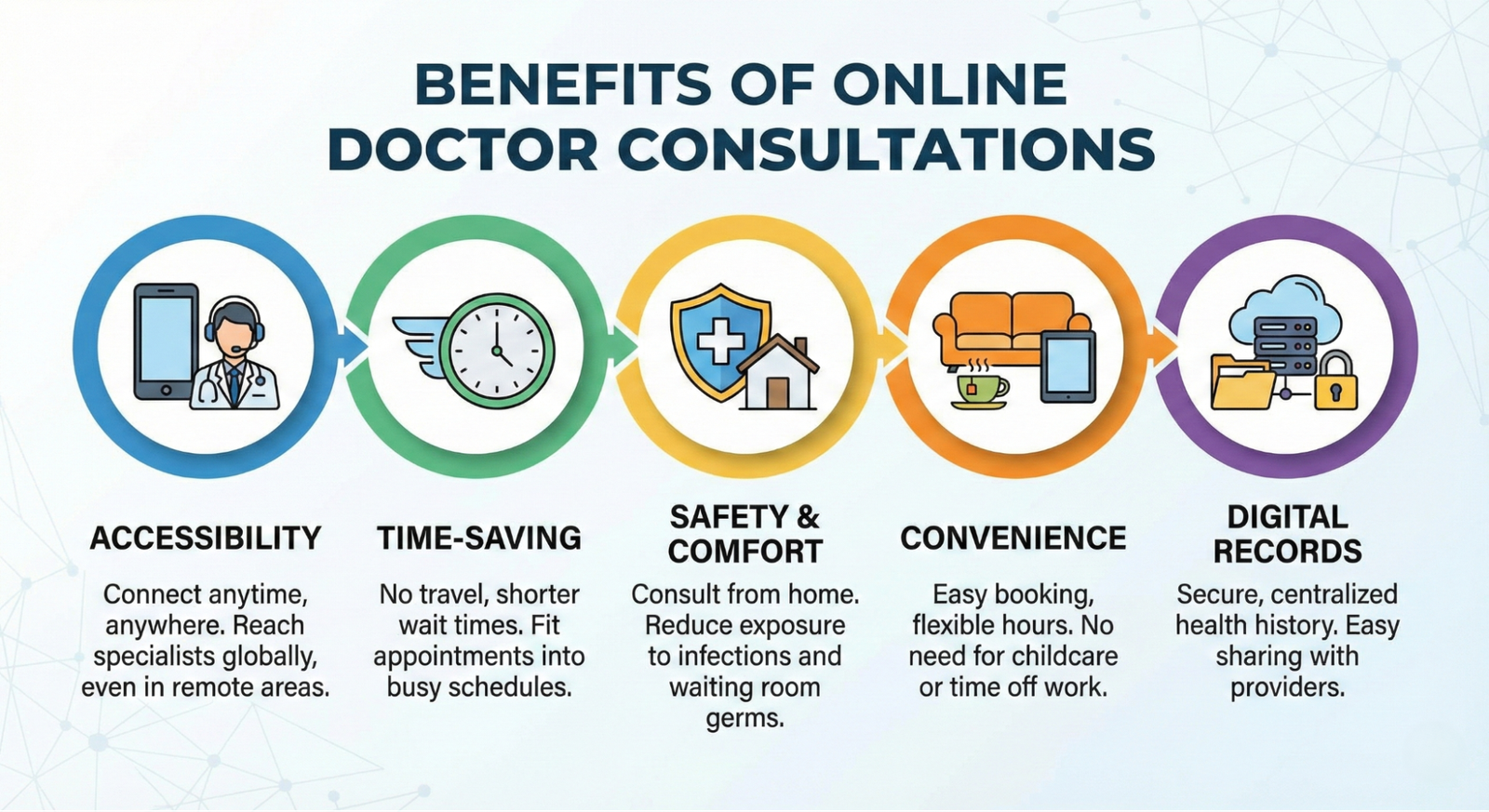
Embracing telemedicine in Pakistan comes with numerous benefits:
- Accessibility: Patients in rural or remote areas can consult top specialists in major cities without long-distance travel.
- Time-Saving: Bypasses the need for commuting and waiting in physical queues.
- Safety: Minimizes exposure to hospital-acquired infections, which is vital for immunocompromised patients.
- Convenience: Appointments can be scheduled during breaks at work or from the comfort of your living room.
- Digital Records: Prescriptions and history are stored centrally, making it easier to track your health journey over time.
For a deeper understanding of modern medical technology and its impact, check out our detailed guide on What is Smart Healthcare? Revolutionizing Medicine in Pakistan and Beyond.
@All images in this blog are sourced from Wallpezia
Common Platforms for Online Doctor Consultations in Pakistan
While there are several players in the market, choosing the right one matters.
eHealth
eHealth stands out as a comprehensive solution for digital health in Pakistan.
- Verified Doctors: Access to a network of qualified professionals.
- Holistic Care: Beyond just video calls, they facilitate home nursing andphysiotherapy services.
- Integrated Services: Easily book lab tests or pharmacy delivery alongside your consultation.
- User-Friendly: Simple interface designed for easy appointment booking.
Other Notable Platforms
- Oladoc: Known for its massive directory of doctors and instant booking features.
- Sehat Kahani: Focuses on affordability and connecting patients to female doctors who work from home.
- Marham: Offers a wide range of services including surgeries and lab tests.
Conclusion
Booking an online doctor consultation in Pakistan is no longer a futuristic concept—it is a practical, safe, and efficient reality. By avoiding traffic and waiting rooms, you gain control over your time and health.
Whether you choose eHealth for its integrated home services or another verified platform, the key is to be prepared. Keep your digital records updated and embrace these digital tools to ensure you and your family receive timely medical care whenever it is needed.
Note: This guide is for educational purposes. In case of a medical emergency, please visit the nearest hospital immediately.
@All images in this blog are sourced from Wallpezia